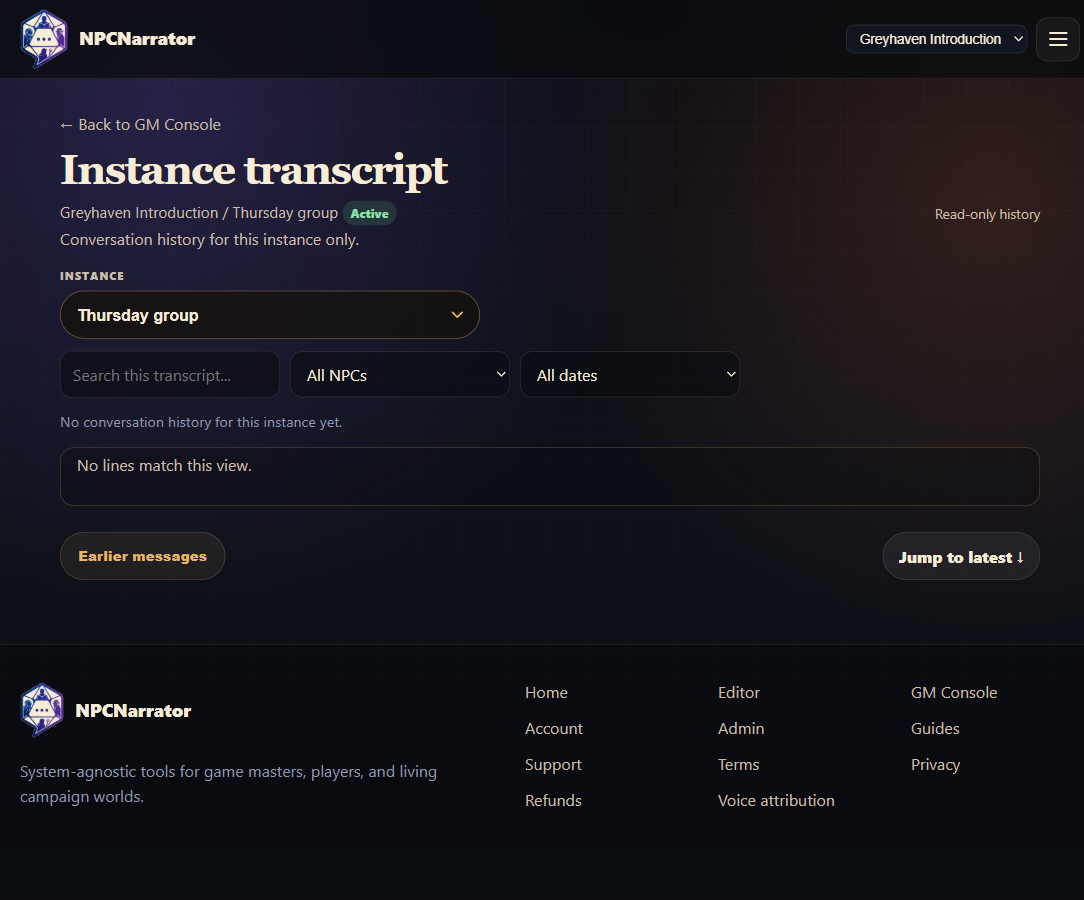
A transcript is the read-only history of one instance. It does not mix Thursday’s table with last month’s run, and it does not change what the NPCs remember. Clearing knowledge is a separate action on the GM Console NPCs tab.
Open a transcript
- Header → Transcripts, then choose Instance.
- GM Console → Instance → Manage selected instance... → View transcript.
- Campaign Home → Sessions this month or a row under Recent sessions.
Ended instances stay in the list so you can read them after the session. The page says Read-only history and Conversation history for this instance only.
Find a line
- Search this transcript... matches text in the loaded history.
- The NPC menu starts at All NPCs and can narrow to one character.
- The Date menu starts at All dates.
- Earlier messages loads older lines when the instance is long. It stays disabled when there is nothing further back.
Back to GM Console returns you to the console for the same campaign.